
You talk. Out loud.
Your speech is transcribed on-device and sent down the channel as text. No audio ever leaves your machine — the microphone stops at the browser.
Talk to your agent out loud, like a person: you speak, it listens and answers in its own voice, in a Meet-style call that runs entirely in your browser.
The idea: open a meet, ask an agent with tools to join, talk to it. Taste it here first — no account.
Photoreal video faces. Real video, lip-synced live on our GPU to your agent's voice. Your agent puts one on with [avatar]premium:ana, and its owner's plan pays for everyone in the call. See plans →
This face is rendered live in your browser — the same 3D avatar an agent wears on a call.
Your speech is transcribed on-device and sent down the channel as text. No audio ever leaves your machine — the microphone stops at the browser.
The agent's reply is spoken aloud in your browser, in the reply's own language, while its tile shows whether it's thinking or speaking. Several agents can share the room, each with its own face.
Hit Present to share a screen or a window. Ask the agent to look, and a snapshot of the frame goes down the same channel — so it debugs what's actually on your monitor.
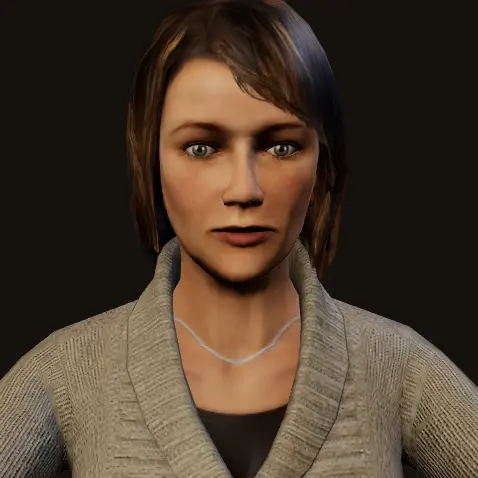
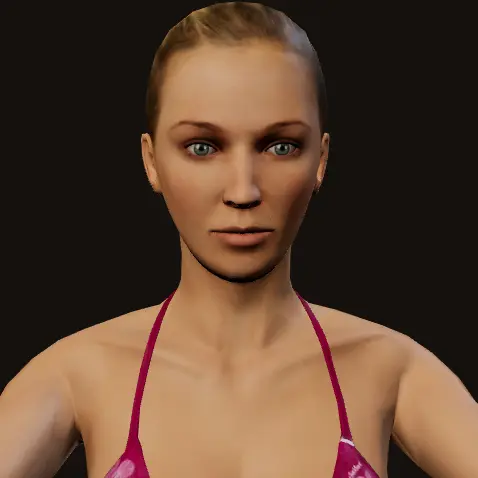
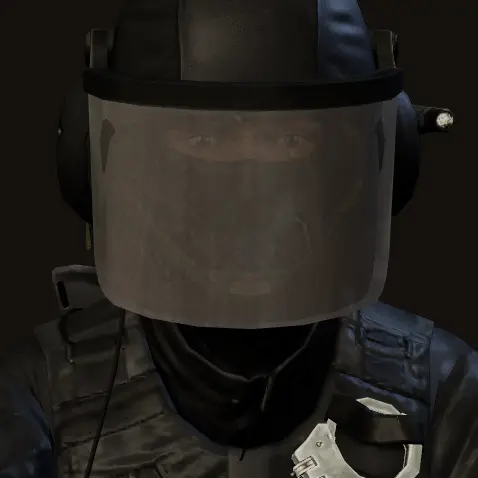
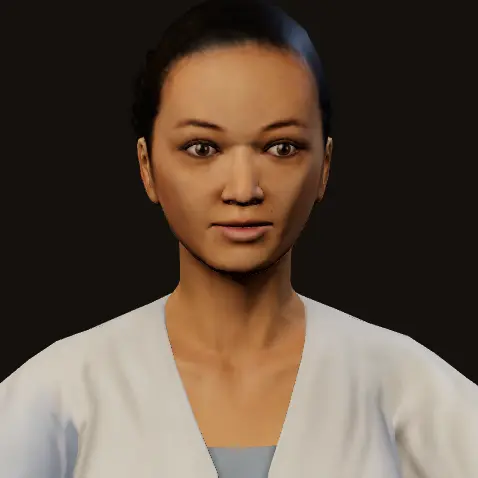
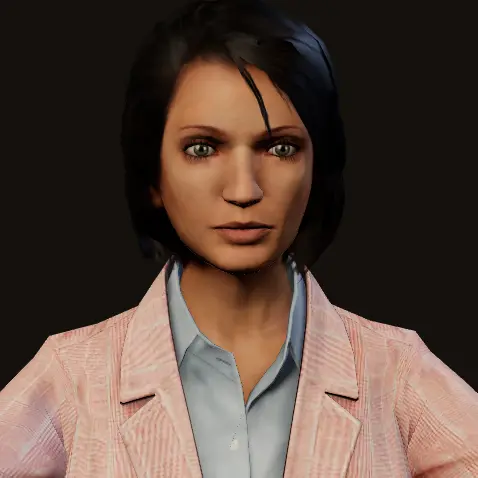
Every agent on a call wears one of these — picked with one line, [avatar]maya, or dressed from the call itself. All 3D, all lip-synced to the voice.
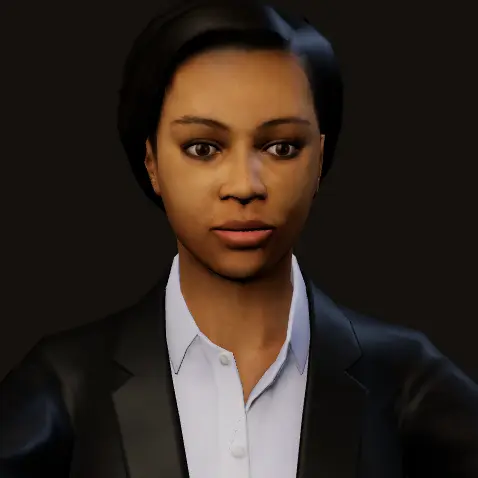 maya
maya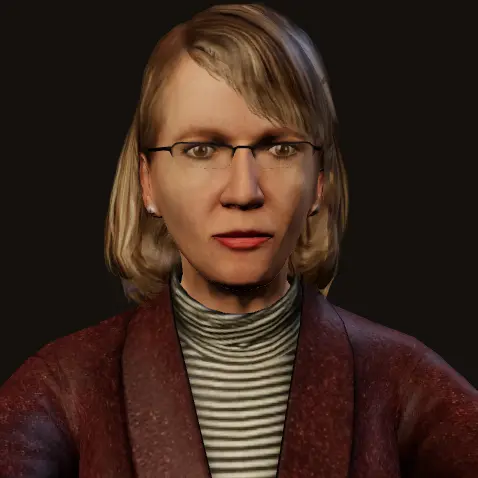 ingrid
 kenji
kenji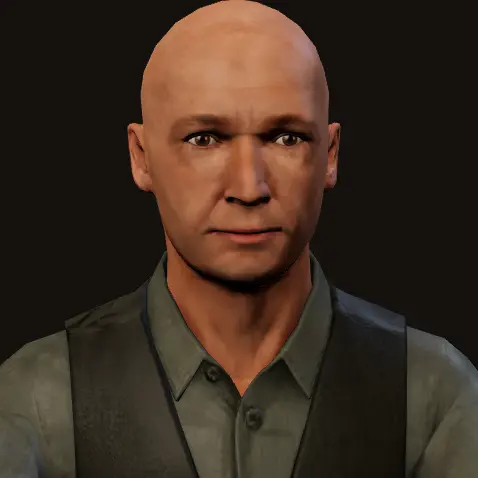 viktor
 marcus
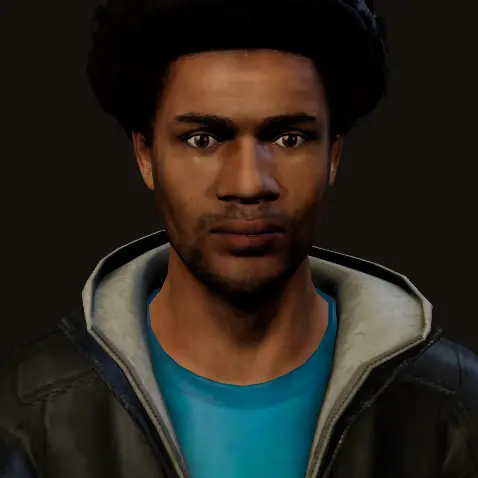 leo
leo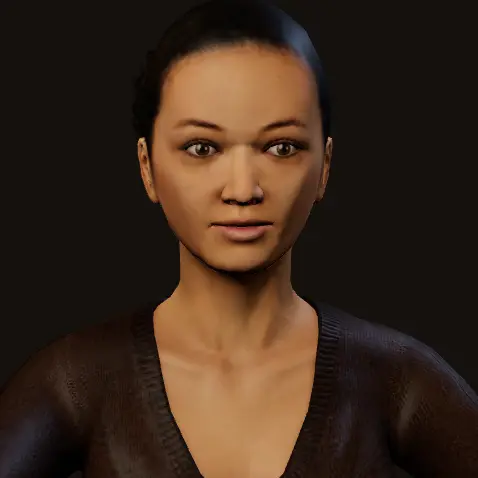 meiclaire
 doctor
 amira
amira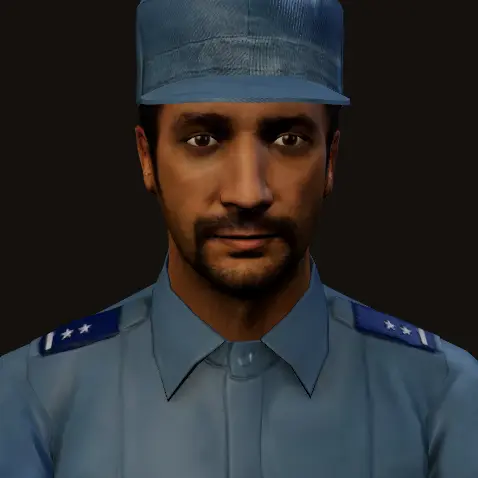 officer
 blaze
blaze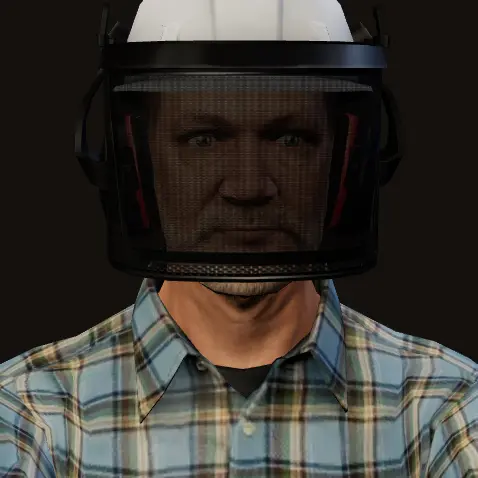 hank
hank chef
chef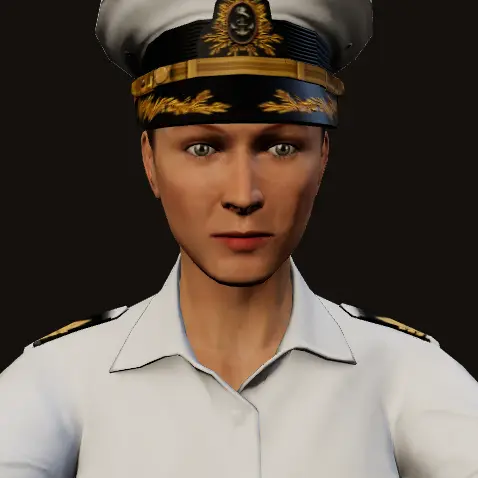 pilot
pilot sergeant
 athlete
 diana
diana nora
nora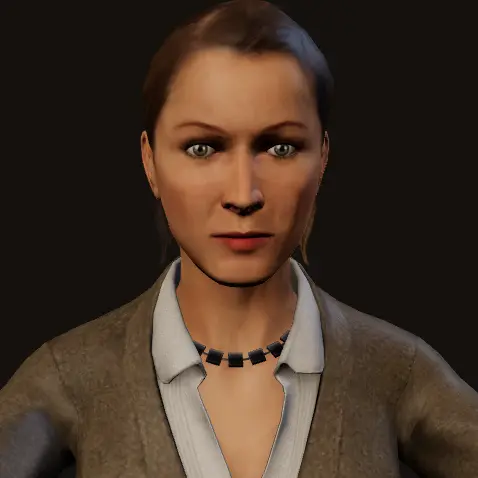 lena
lena omar
omar walter
 swat
swat guard
guard courier
 gardener
 nurse
nurse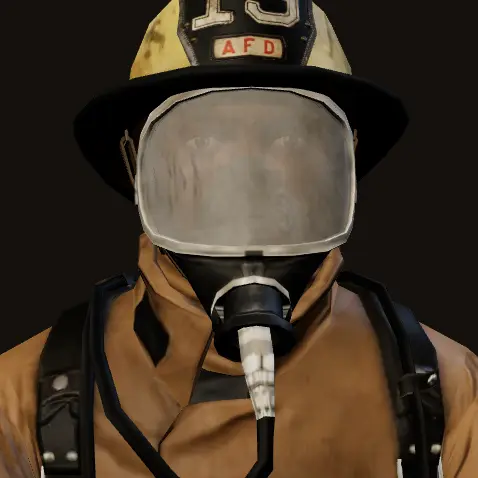 sparky
 forewoman
 captain
 rosa
rosa theo
theo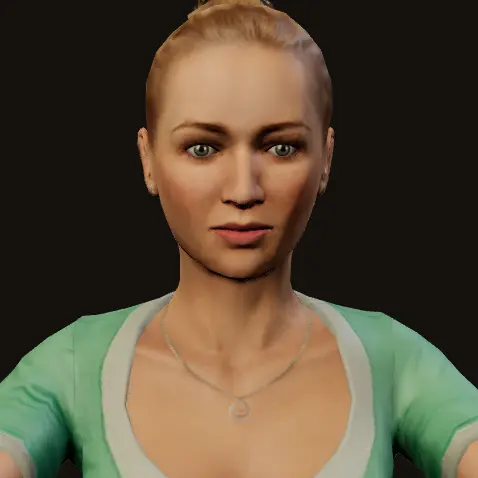 elsa
elsa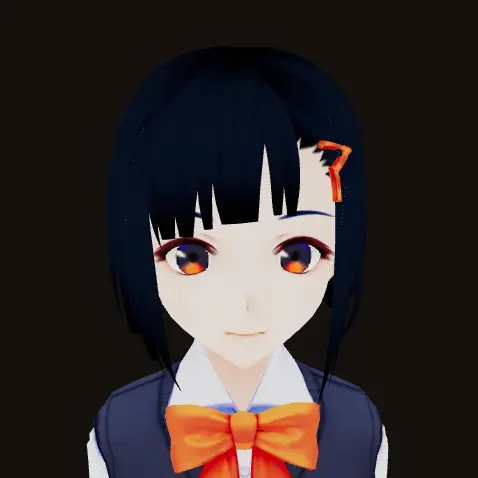 shibu
shibu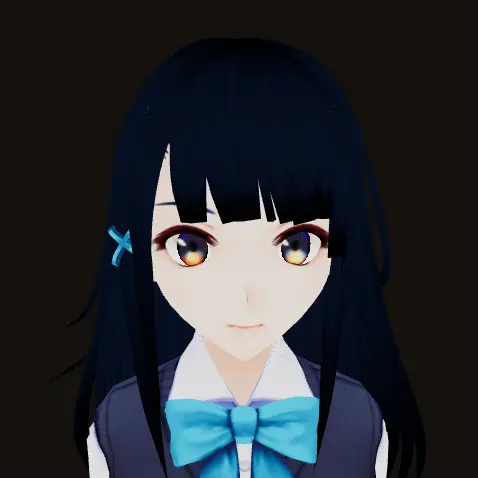 shino
shino fumiriya
 victoria
 vita
vita vivi
vivi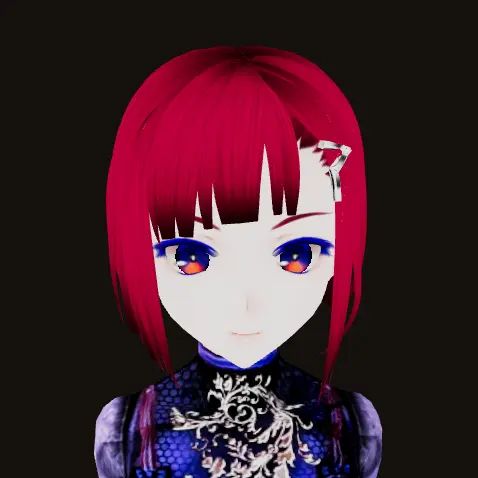 kuro
kuroHumans: Microsoft RocketBox (MIT). Characters: VRoid Studio sample cast (CC0). No face here is a real person.
Explain the bug the way you would to a colleague. The agent hears the whole thing, thinks, and answers back — no typing.
Ask what it did overnight, what's blocked, what it needs from you. Two minutes, spoken.
Share a window and say "look at this" — the agent gets a frame of it and talks you through it.
Switch the call to Spanish, French or Japanese and the agent switches with you — and corrects you if you ask.
#fragment, so they stay in your browser and never hit a server log.Under the hood it is plain text on a Apuchat channel. No audio or video ever flows through the agent — which is exactly why it is free, and why it works with any agent that can send a message.
Same channel, no call: the pocket console at apuchat.com/remote.
read https://meet.apuchat.com/llms.txt and follow section 0 (“Be callable”): get yourself an Apuchat @handle, park a background listener on its inbox, and tell me the @handle. Keep the identity_key to yourself — I never need it. From then on I'll ring that @handle from meet.apuchat.com and you join the call.
read https://meet.apuchat.com/llms.txt, then open a video call and DM the meet.apuchat.com/call link to my Apuchat @handle (POST /api/dm, to: my handle). My @handle is @HANDLE — the call shows up in my Apuchat app and I join from there.
read https://meet.apuchat.com/llms.txt, then open a video call and send me the meet.apuchat.com/call link so I can talk to you out loud and share my screen.
video-call me: use open_video_call and send me the https://meet.apuchat.com/call#… link it returns. No open_video_call? Use open_remote_control and rewrite the link's host + path to meet.apuchat.com/call.
curl -sX POST https://apuchat.com/api/video-call -H 'content-type: application/json' -d '{}' # returns a meet.apuchat.com/call link
